AI-Registry
trail allows you to register your use cases in a central place. This allows you to easily keep track of your AI use cases, compare risk levels and increase adoption.
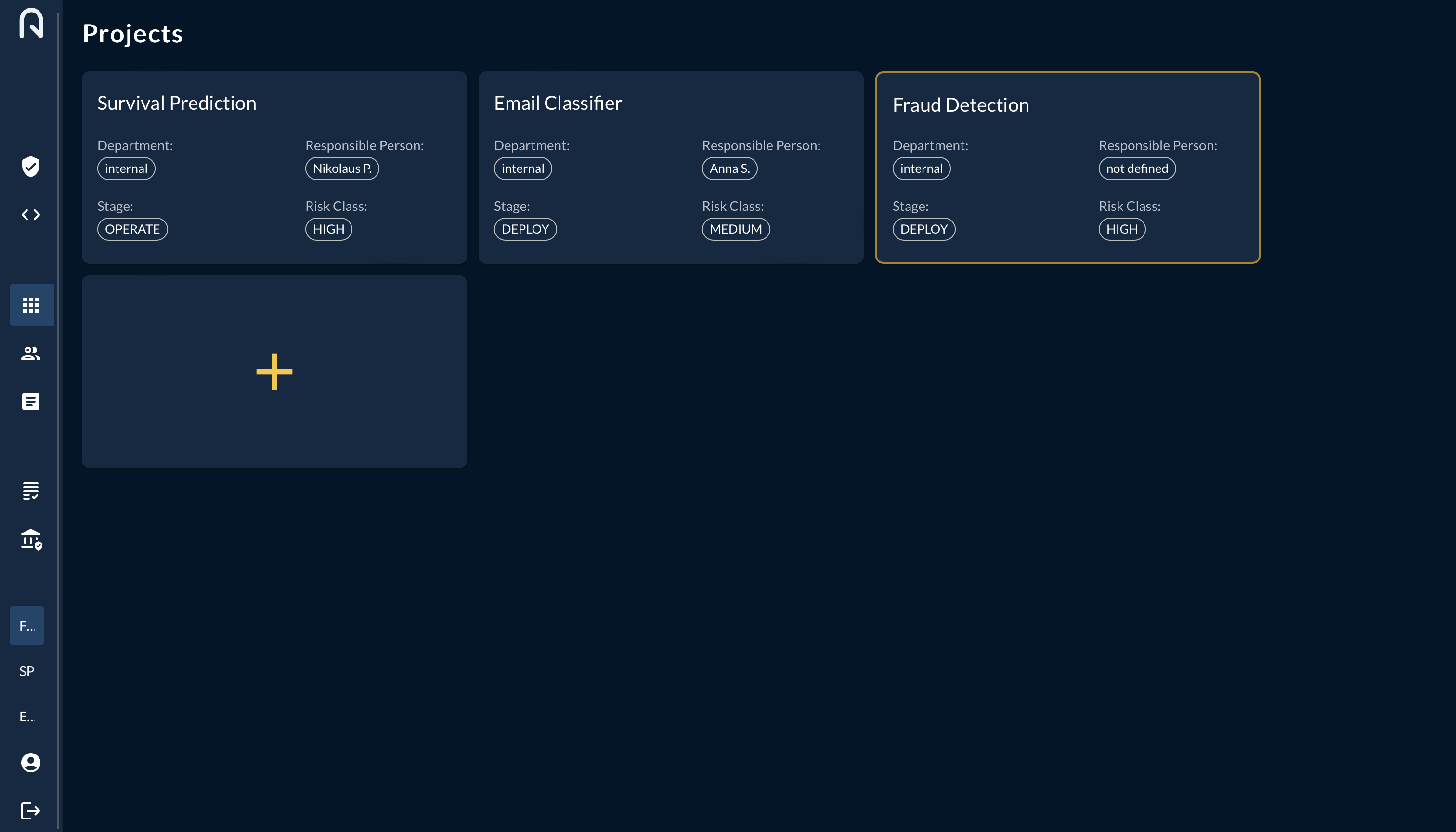
To add a new Use Case, simply press the "+" button and fill in the required fields.
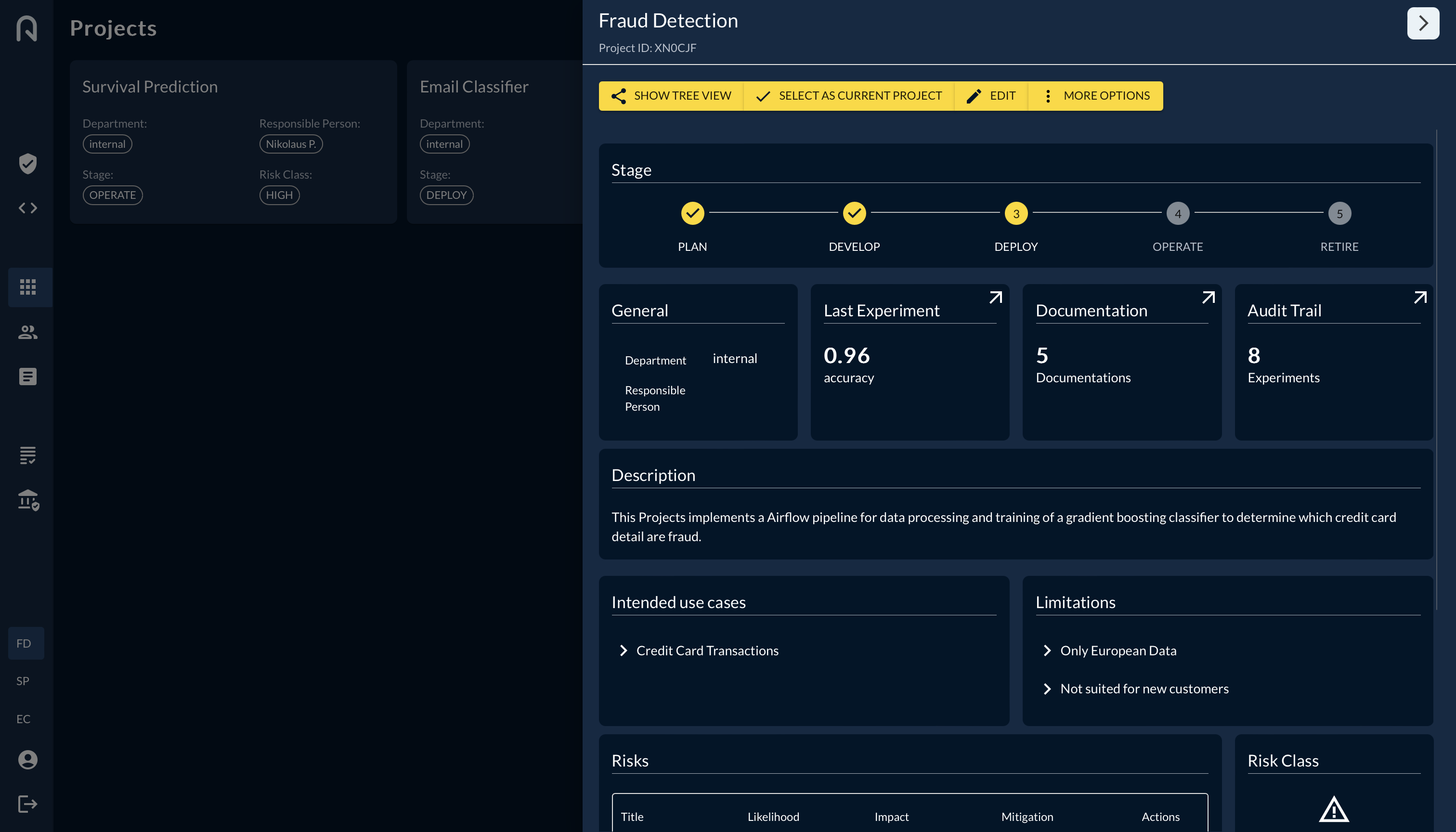
When pressing on an existing use case you will jump in the the side pane showing you the most important information about that use case. This is also the place where you can edit the fields.
Before going to the next step, make sure you have created a new project and selected the project with the "SELECT AS CURRENT PROJECT" button.