Reports - The Documentation Engine
The documentation engine is the core of trail. It creates automated documentations based on all the ML Metadata in a central place. This allows you to easily share your results with your colleagues or external parties without the overhead. You can find the "Reports" page in the navbar of the webapp.
Keep in mind that the documentation engine relies on the data that was tracked within the ML experiments (see Experiment Management).
The first view shows you all previously generated documentations. You can either open them or create a new one.
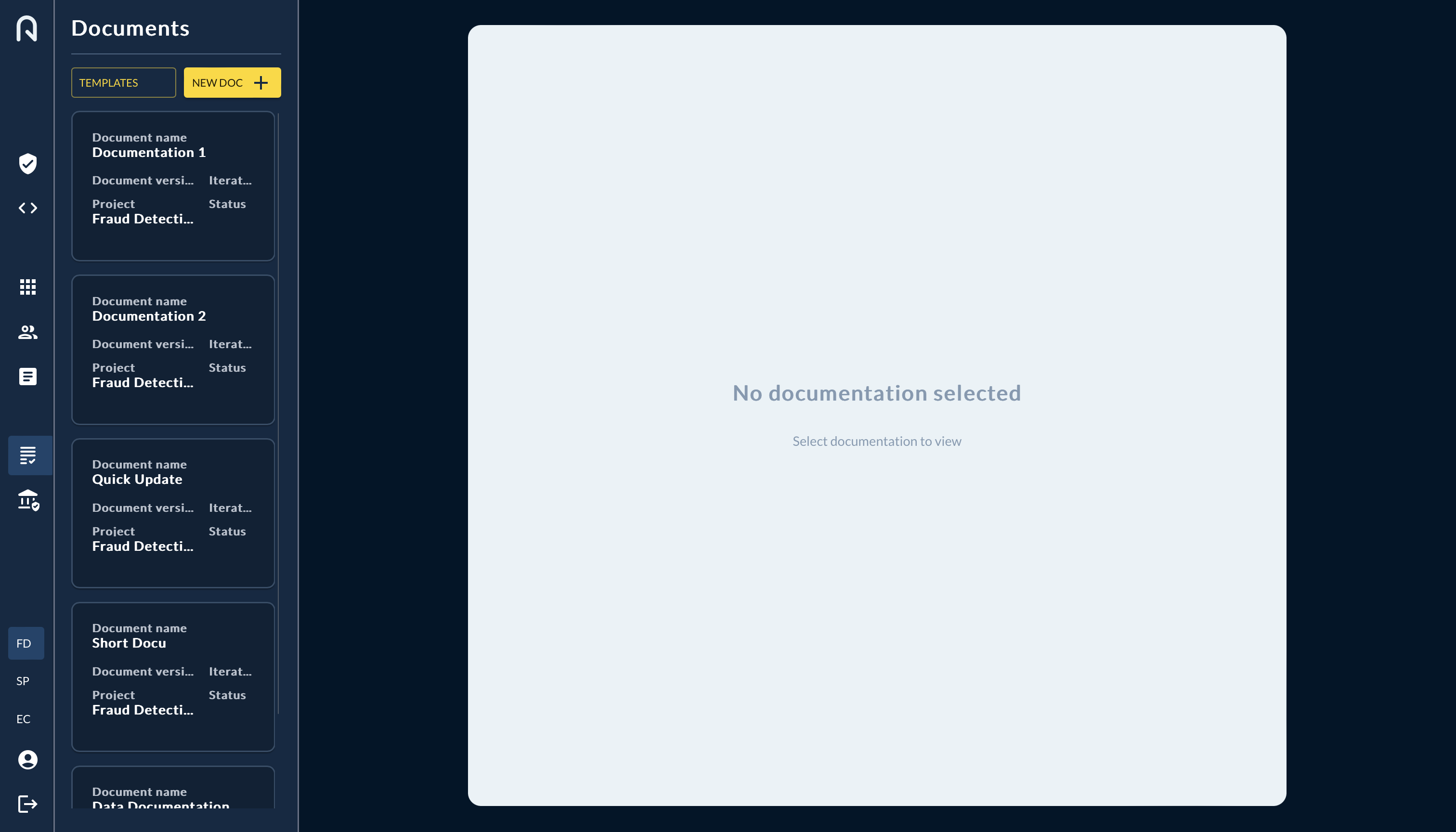
To create a Documentation follow these steps:
- The "NEW DOC" button opens a new documentation. You can choose the template of the documentation or select the documentations you want to include in your documentation.
- Alternatively press the "TEMPLATES" button and choose your prefered template.
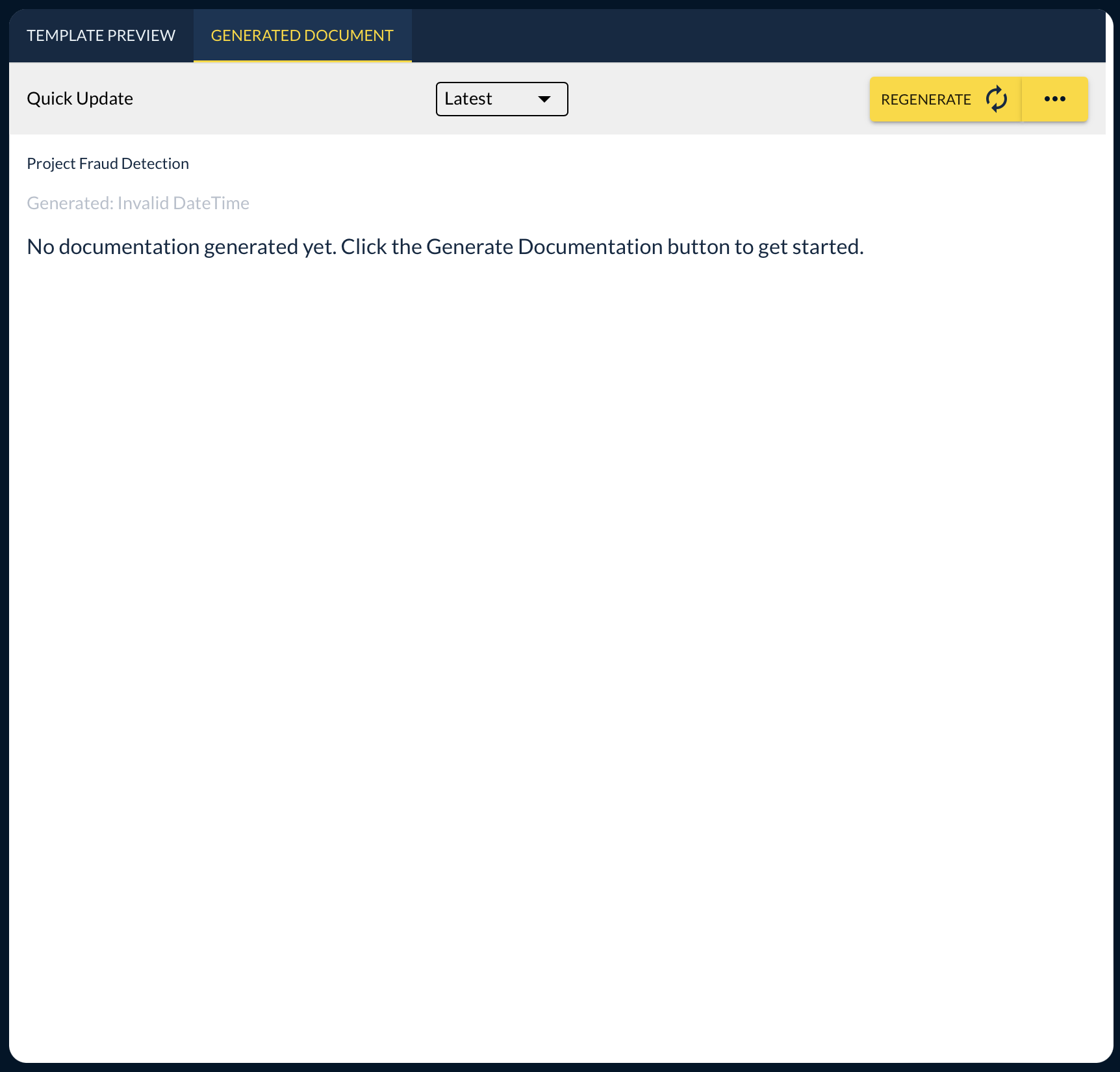
In the documentation view you have the tab selction between template and generation on the top and you can choose the experiment you want to document via the drop down in the top center of the detail view. Per default the latest experiment will be selected. On the right side of the screen you'll find the buttons to regenerate a documentation or trigger the export to confluence. (Hint: Make sure you have your confluence connected in the Profile page)
Templates
trail provides a set of templates per default. If you are missing a template or want access to further templates, please contact us. You can choose from the following default templates:
Data Documentation
This template is influenced by the ISO requirements on what data ressource where used. The template consists of the components: Last Update in Dataset, Data Categories, Labelling Process, Intended Use of Data, Data Quality Tests, Data Preparation Steps, Data Retention & Disposal Policy.
As some of the information cannot be read out of source code, we recommend including all missing information into a code comment / docstring. The comment should include for example information on last modified date of the dataset, labelling process and data retention policy.
Model Documentation
The template consists of the components: System Components, System Diagram, Model Framework, Algorithm Type, Tools, Hardware Ressources, Storage
As some of the information cannot be read out of source code, we recommend including all missing information into a code comment / docstring. The comment should include for example information on the tools that were used or storage information. For the hardware ressource tracking we recommend using open source tools and track the values in the code.